58th Floor AI
2 photos
Turn a still photo into a picture dance video. Upload a photo of yourself or a friend, add any dance video, and watch them copy every move, right in your browser.
Add a clear photo of the person who should dance. For a duet, add a second photo.
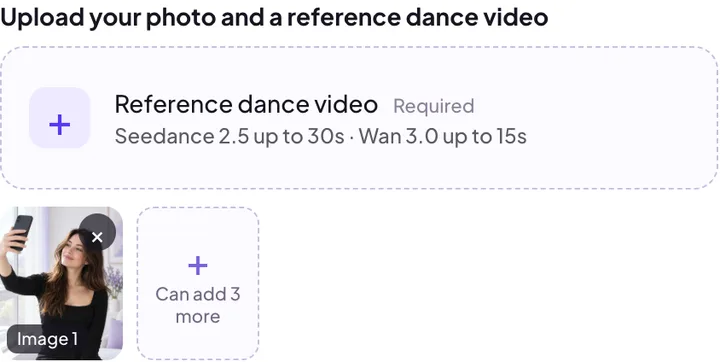
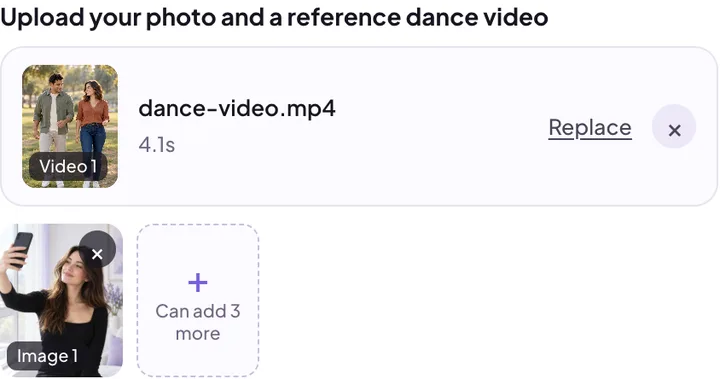
Upload an MP4 or MOV dance clip you have permission to use. Seedance 2.5 supports reference clips up to 30 seconds; Wan 3.0 supports up to 15 seconds.
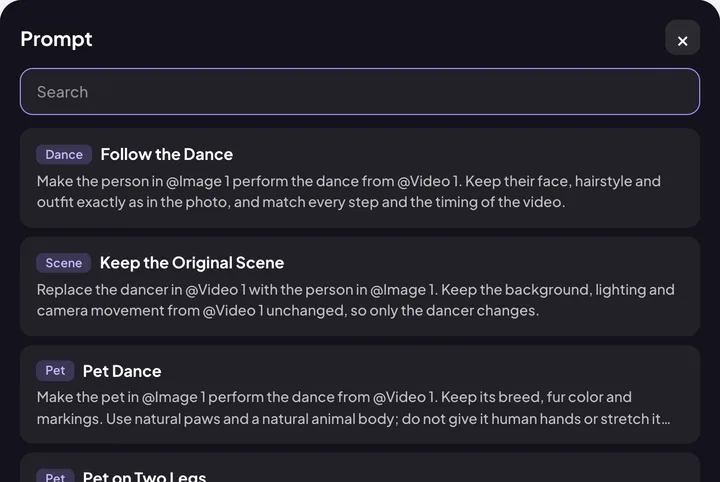
Open Prompts and choose one, like Follow the Dance or Duet. Prompts refer to your files as @Image 1 and @Video 1, so you can change any words you like.
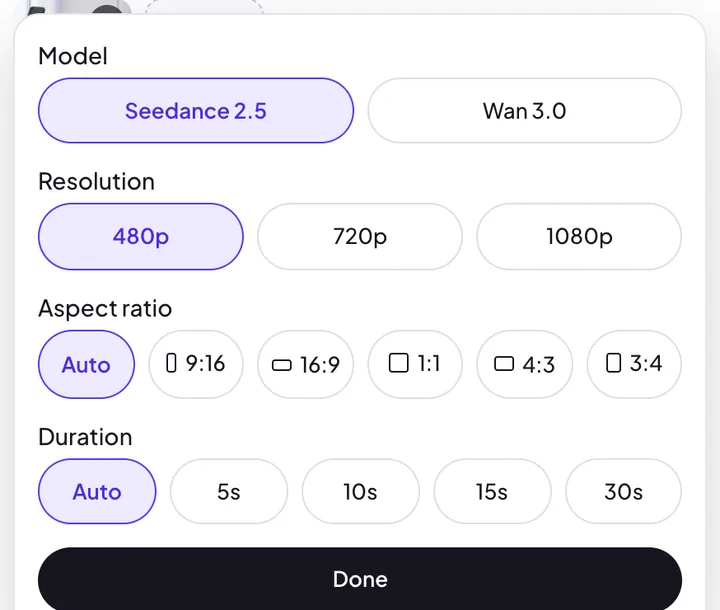
Pick the model, resolution, aspect ratio and length. The credit cost shows before you press Generate, and you can download the video when it is ready.
Many photo dance apps only let you pick from their own dance templates. Here the moves come from a video you choose: a TikTok trend you saved, a clip from your dance class or a routine you filmed at home. The steps, the timing and the energy all come from that video, not from a guess based on a few words.
The AI dance generator follows the body movement in your video and moves the person in your photo the same way, keeping the face, hair and outfit from the photo. With Keep the Original Scene, only the dancer changes, while the background, lighting and camera stay as they were.
Choose Seedance 2.5 or Wan 3.0 based on the length of your dance clip. The available settings and credit cost appear in the workspace.
Not sure what to write? Start from a prompt in the Prompts library, then edit it in plain words.
| Prompt | What it does | Good for |
|---|---|---|
| Follow the Dance | Copies every step and the timing of your dance video, keeping the face, hair and outfit from your photo | Any trend or routine |
| Keep the Original Scene | Swaps only the dancer; the background, lighting and camera move stay the same | Recreating a well-known clip |
| Clean Studio | Suggests a simple studio setting in the prompt | A clean dance clip |
| Street Performance | Suggests a street setting in the prompt | An outdoor dance clip |
| Duet | Puts the people from two photos into a two-person dance, left and right | Dancing with a friend or partner |
| Neon Club | Sets the dance in a dark club with pink and blue lights | Party and night-out clips |
The library also has Clean Studio, Street Performance and Anime Look. Results can vary.
To make your photo dance with a face that still looks right, start with good files. The video can only be as clear as the photo you give it.
A photo dance app is handy if its built-in templates are all you need. The browser is the better fit when you want to choose the moves yourself.
| Typical photo dance app | TrendTada in your browser | |
|---|---|---|
| Install | Download from an app store | Nothing to install; works on a phone or computer |
| Dance moves | Mostly the app's own templates | Any dance video you upload |
| Prompts | Rarely offered | Ready-made prompts you can edit |
| Video options | Varies by app | Seedance 2.5 and Wan 3.0 have different reference-length limits |
| Video shape | Set by the app | Auto, 9:16, 16:9, 1:1, 4:3 or 3:4, up to 1080p |
Choose 9:16 for a vertical video that fills the screen on TikTok, Instagram Reels and YouTube Shorts, or leave it on Auto to match your dance video. Audio follows the dance video you upload. Preview the result before you post. For a trend, you can also add its sound in TikTok or CapCut so your video joins that sound's page.
It follows the steps, timing and energy of your dance video closely, and the Follow the Dance prompt is written for exactly that. Very fast spins, hands crossing the face and dancers leaving the frame are the hardest parts, so a clear, steady dance video gives the closest match.
The prompts ask the model to keep the face, hair and outfit from your photo. A sharp, front-facing photo with the whole face visible gives the closest likeness. Side views, sunglasses or a tiny face in a group shot make it harder.
No. It runs in your browser on a phone or computer. You upload your files, generate the video and download it from the same page.
Reference clips can be up to 30 seconds with Seedance 2.5 or 15 seconds with Wan 3.0. Both offer 5, 10 and 15 second outputs; Seedance 2.5 also offers 30 seconds.
Choose Duet for two dancers or Group Dance for three or more. Results may vary with the source clip.
Upload a photo and a dance video, pick a prompt and watch the person in your photo copy every move.
Make a picture dance