Hotel Lobby AI
2 photos
Recreate the 58th Floor AI trend from two photos: you and a friend step up to one hanging silver mic in a teal studio, one finishing the hook while the other takes the verse. Works with people, pets, or one of each.
Use photos you have permission to upload.
58th Floor AI turns two photos into a short vertical video of you and a friend performing at one hanging mic, a recreation of the 58th Floor scene from A COLORS SHOW with the two of you as the rappers.
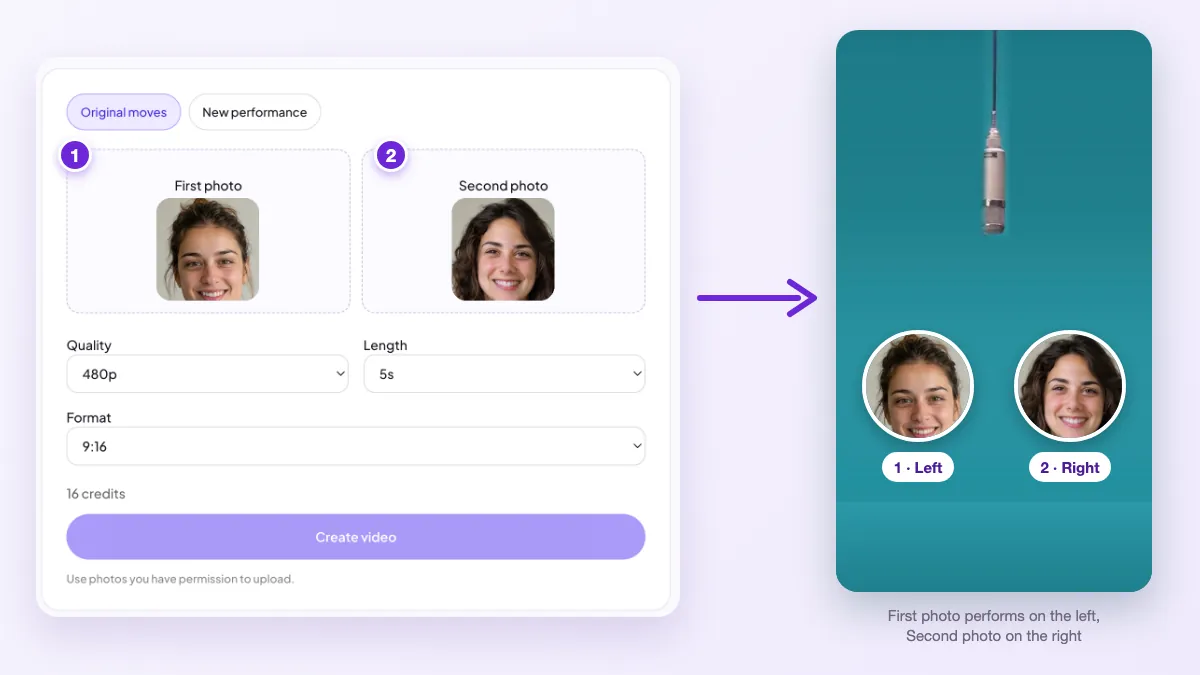
Upload a First photo and a Second photo. The first becomes the performer on the left, the second the one on the right. The 58th Floor AI video keeps the teal studio, the single silver mic, the camera moves and the handoff between the two performers, while the faces, hair and outfits come from your photos. Pick 5, 10 or 15 seconds, check the credit estimate, and download the finished 9:16 clip from History.
Choose who stands on each side of the mic. The First photo is the left performer and the Second photo is the right one, so upload them in the order you want them on screen.
Add one photo per person or pet. Check both previews and swap a photo now if a face is small, blurry or covered. Keep Original moves selected to recreate the 58th Floor studio.
Select 5, 10 or 15 seconds and a quality, review the credit estimate, then create. When the task finishes, watch the whole clip in History and download your 58th Floor AI video.
The 58th Floor AI trend is about one shared mic and a clean handoff.
The two of you stand close together in a bright teal room under one silver studio mic hanging from the ceiling. One performer leans in to finish the hook, then the other steps up and takes the verse, with the same easy back-and-forth that made the 58th Floor AI duo format spread on TikTok.
A shorter clip simply stops sooner. Choose 5 seconds for a quick loop of the opening, or 10 or 15 seconds to show more of the handoff between the two performers.
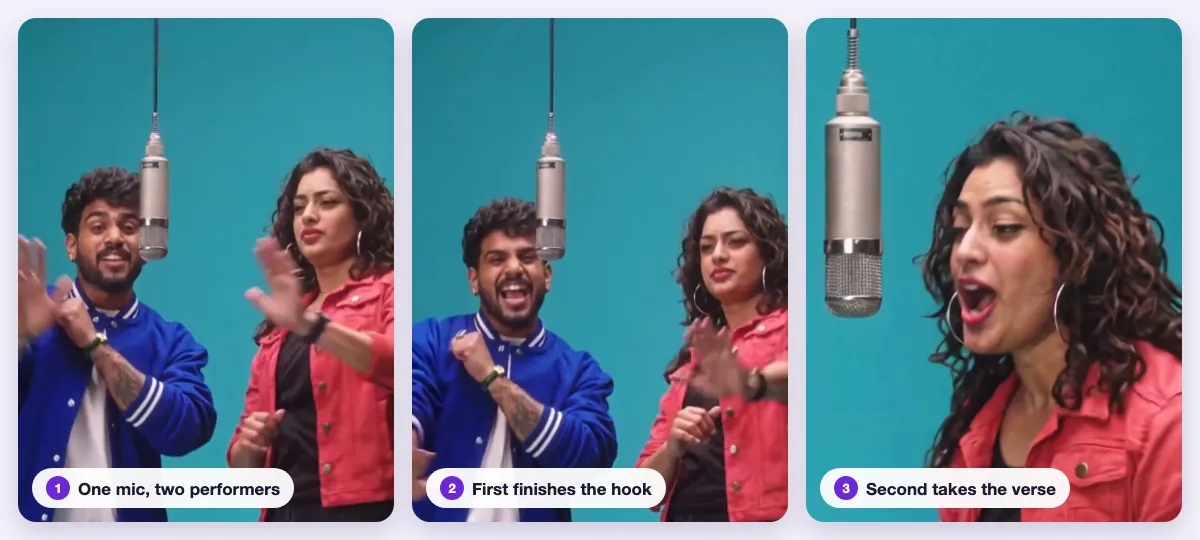
The tool offers two modes. Original moves is the one that recreates the 58th Floor studio.
| Original moves | New performance | |
|---|---|---|
| What you get | The 58th Floor scene: teal studio, one hanging mic, the hook-to-verse handoff | A fresh rap duet with a new look |
| Photos | Two photos, left and right | Two photos, left and right |
| Creative theme | No theme field | Optional theme to set the mood |
| Length and format | 5, 10 or 15 s, 9:16, up to 1080p | 5, 10 or 15 s, 9:16; quality depends on the model |
Original moves is selected by default. If you switch modes, check the length, quality and credit estimate again.
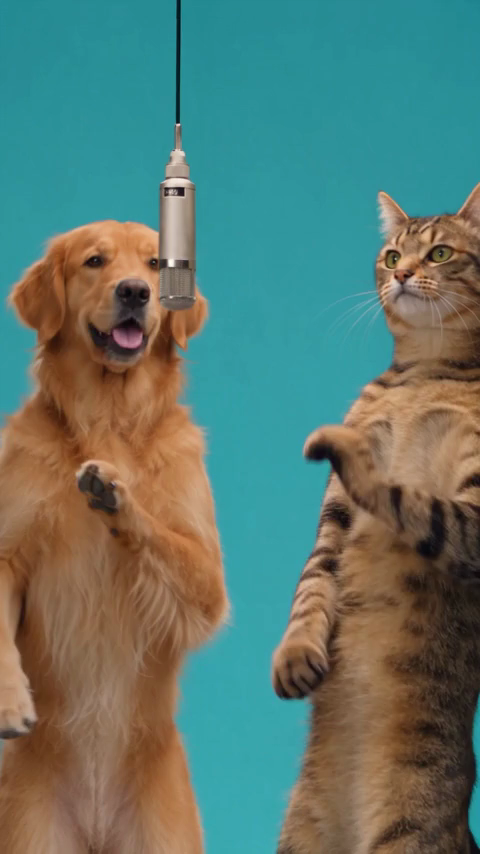
Most 58th Floor AI videos pair two friends, but you can also put a partner, a sibling or your pets at the mic. Upload one photo per subject, and mix them any way you like: two people, two pets, or a person next to their dog.
Each animal is turned into an upright performer that keeps its own face, fur colors and markings, so it can stand at the mic like a rapper.
The trend starts with a COLORS performance video released on October 30, 2026: two rappers share one mic in the show’s signature teal studio and trade lines on the song “58th Floor”. Clips of the handoff spread quickly on TikTok under #58thfloor.
Within days, creators began posting AI versions with themselves and their friends at the mic, tagged 58th Floor AI. It joined the wider colors show ai trend, where people recreate COLORS studio performances from photos. Comments kept asking the same thing, “is this a freestyle or a song?”, which is why the FAQs below answer it.
Your photos decide who appears at the mic, so simple, clear shots give the closest likeness.
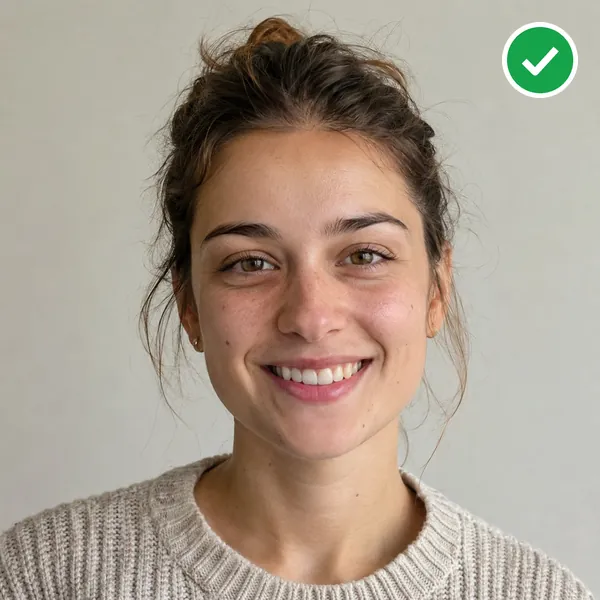
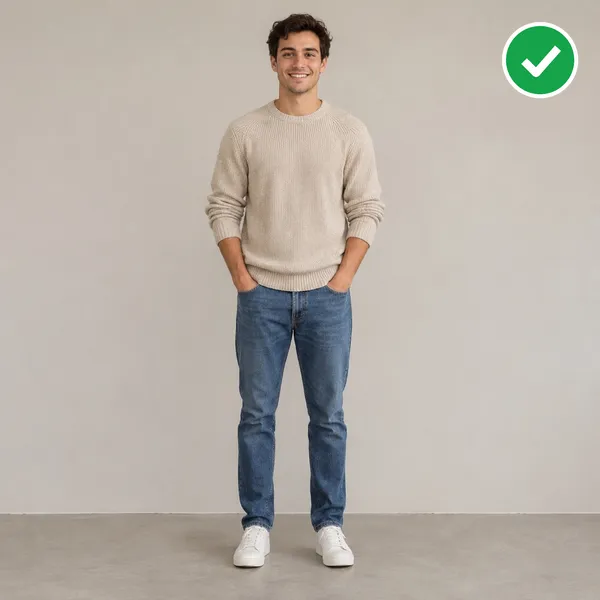
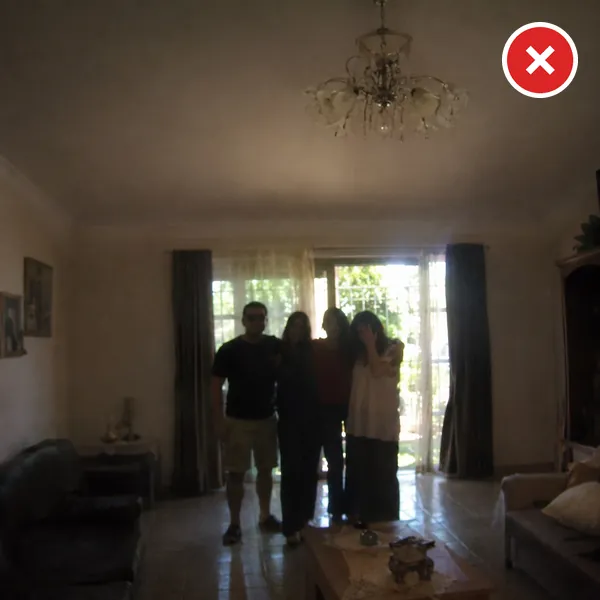
Upload JPG, PNG or WebP files up to 20 MB each. Photos are checked before creation, and a photo that can’t be used is rejected so you can try a clearer one.
Many people search for a 58th Floor CapCut template or filter first. We didn’t find an official one as of November 4, 2026; templates you find are made by individual users and usually start from a clip you film yourself.
| 58th Floor AI | CapCut template | |
|---|---|---|
| What you upload | Two photos: people, pets or both | Usually a video you record |
| Who performs | Your two subjects in the teal studio | Whoever is in your footage |
| Pets | Pets stand upright at the mic | Only if they’re in your clip |
| Output | 5 to 15 s, vertical 9:16 | Set by the template author |
Posting with the trend’s official sound links your clip to the sound page, where people browsing the trend can find it.
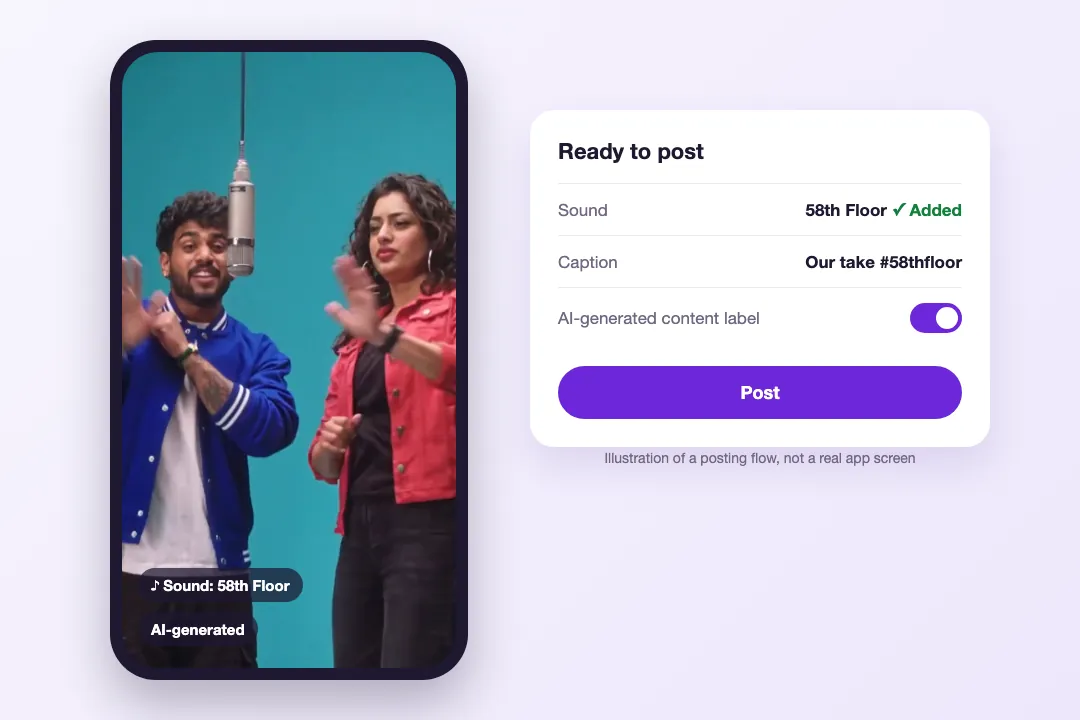
On Instagram Reels, add audio from the Reels editor and search for 58th Floor. Use the sound from the app’s library rather than a re-upload.
We didn’t find an official 58th Floor CapCut template or TikTok filter as of November 4, 2026. User-made templates usually need footage you film. This tool starts from two photos and recreates the teal studio scene for you.
It’s a song. “58th Floor” is a released track, and the viral clip comes from a COLORS studio performance of it, not an off-the-cuff freestyle.
No. The trending duo clips with friends and pets are AI videos made from photos. Yours will be too, so turn on TikTok’s AI-generated content label when you post it.
Two photos, one subject in each. The First photo becomes the left performer and the Second photo the right one. Swap the uploads if you want the other person to start at the mic.
Your clip is created with audio, but we can’t promise it matches the original track. Listen to the finished video first, then add the official 58th Floor sound in TikTok or Reels when you post.
Choose 5, 10 or 15 seconds. Every 58th Floor AI video is vertical 9:16 MP4, up to 1080p in Original moves, ready for TikTok, Reels and Shorts. Downloads stay in History for 30 days.
Unofficial fan effect. Not affiliated with COLORS, the song’s artists, or its rights holders.
Two photos, one mic, one handoff. Upload your duo and check the credit estimate before you create.
Create your 58th Floor video