Bulin 47 AI
1 photo
Put yourself into the Dime Dime Baby AI dance from one photo: the party walk, the bite of sweet bread, and the long stare into the camera. You add the trending sound when you post.
16 credits
Use photos you have permission to upload.
Dime Dime Baby AI is an AI video effect that puts the person in your photo into the party clip behind the trend. Upload one clear photo of one person, and the AI animates you dancing toward the camera, biting into a concha, and holding the stare that made the meme. The song isn’t included; you add it when you post.
Add a sharp photo with your face fully visible, ideally waist-up or full length. The preview shows exactly what the AI will work from, so swap it if the face is hidden or the crop is tight.
Choose a Quality and a Length for the clip; higher quality and longer clips cost more credits. The Format is vertical 9:16, the size TikTok and Reels use, so there is nothing to crop later.
The credit cost for your settings shows before you create. Sign in when asked, press Create video, and watch the progress on the page or come back to it later in History.
When the video is ready, download it from History. Add the official BbY WOW sound inside TikTok or Instagram before you post.
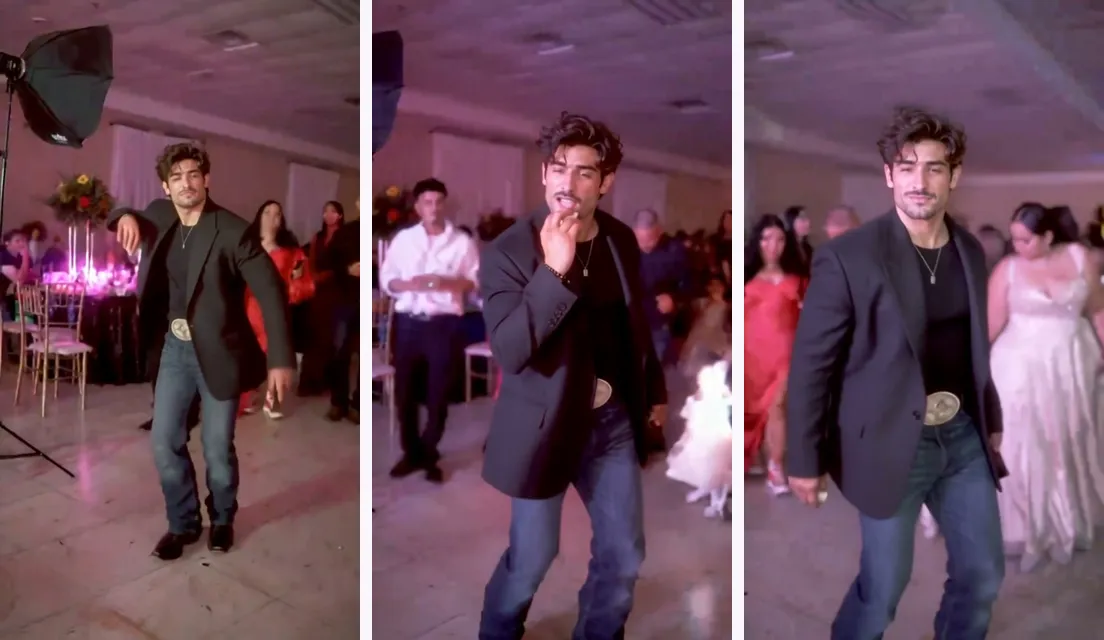
The trend starts with a real party clip. At a quinceañera, a guest dances his way toward the camera, takes a bite of a concha, a Mexican sweet bread, and then holds a long, serious stare. The clip first circulated in mid-2025. In October 2026 it was set to the “dime, dime, baby” line from the reggaetón song BbY WOW. An AI remake took off, the clip turned into a meme, and people started calling the dancer the bby wow guy, or baby wow guy.
AI versions came next. Instead of filming the dance, people upload a photo and let AI put themselves or a friend into the same moment. That is why searches like dime dime baby ai and bby wow guy ai now lead to photo-to-video tools rather than dance tutorials.
The viral versions come from image-to-video AI: a model that takes one still photo and generates motion from it, guided by a scene that recreates the dance. No single official app is behind the trend, which is why the comments under every remake ask the same question. A Dime Dime Baby AI tool like this one does it without editing skills or a green screen.
Because the AI creates every frame from your photo, the result depends heavily on the photo you give it. The photo checklist further down matters more than any setting.
Both get you into the trend, but they ask very different things of you.
| Question | CapCut or green-screen template | Dime Dime Baby AI |
|---|---|---|
| What you need | A video of yourself, filmed and edited in the app | One photo of one person |
| Do you dance? | Yes, you perform the moves | No, the AI animates you |
| The scene | Your own background, or you laid over the clip | A generated party scene around you |
| Cost | The template itself is free in the app | Uses credits, quoted before you confirm |
Pick a template if you want to dance it yourself. Pick Dime Dime Baby AI if you want the scene without filming anything.
The song is the most asked-about part of the trend. Your generated video doesn’t include it, so add the official sound inside the app. That also links your post to the sound’s page, where people browsing the trend can find it.
On Instagram Reels it works the same way: add audio in the Reels editor and search for BbY WOW.
The dance moves the head, shoulders, and hands, and the camera comes in close for the stare. The AI can only keep what it can see, so give it a clear view of you.
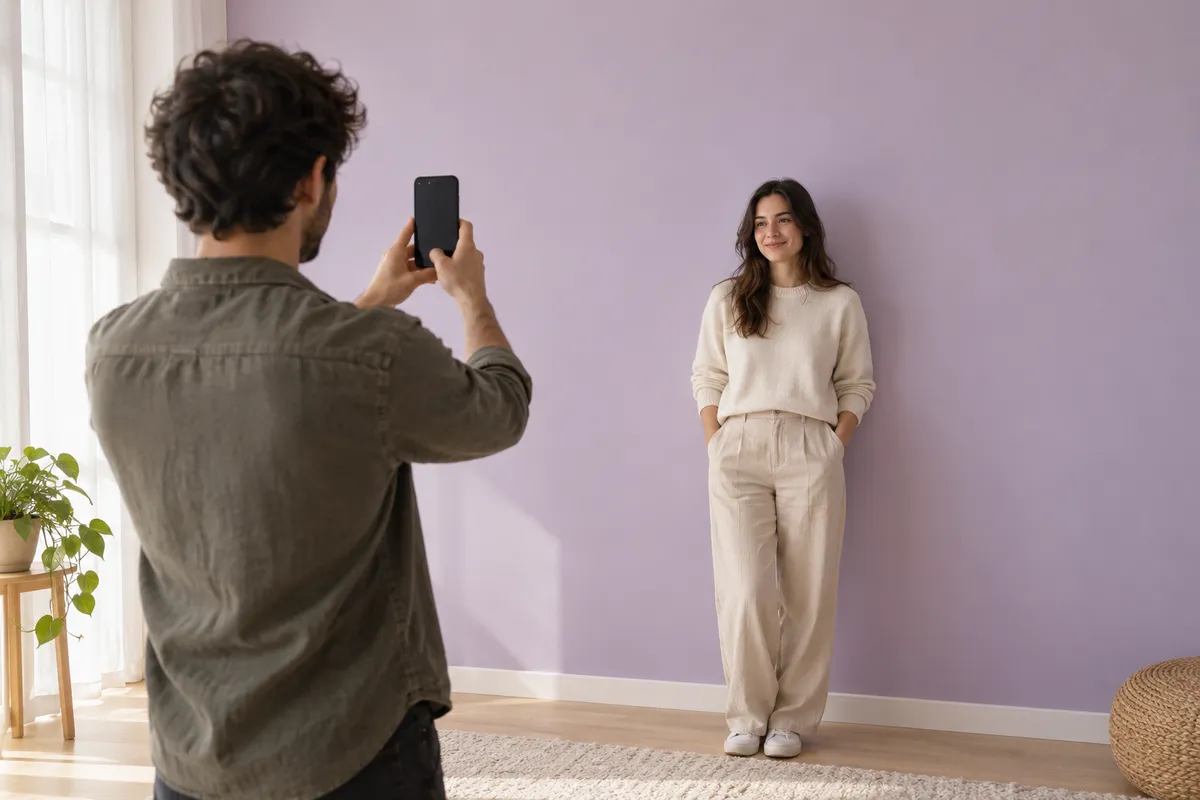
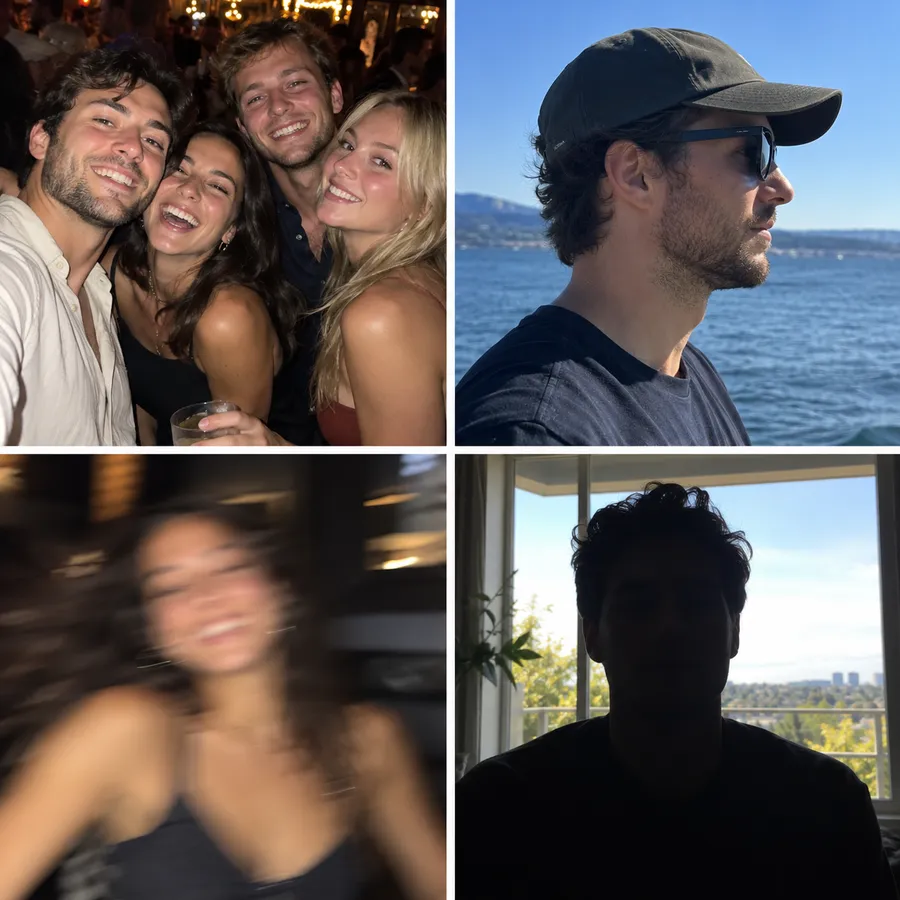
People watching the trend spot AI versions by small details: a beard the original dancer doesn’t have, a tattoo missing from an arm. Your Dime Dime Baby AI video can show the same kind of slip. The AI fills in whatever your photo doesn’t show, like the side of your face, your arms, or your hands, and fast moves make those guesses easier to notice.
If the face drifts, try a sharper, front-facing photo with even light. If a beard or a tattoo matters to you, use a photo where it is clearly visible. Watch the whole clip before posting, especially the close-up stare at the end, because that is where viewers look hardest.
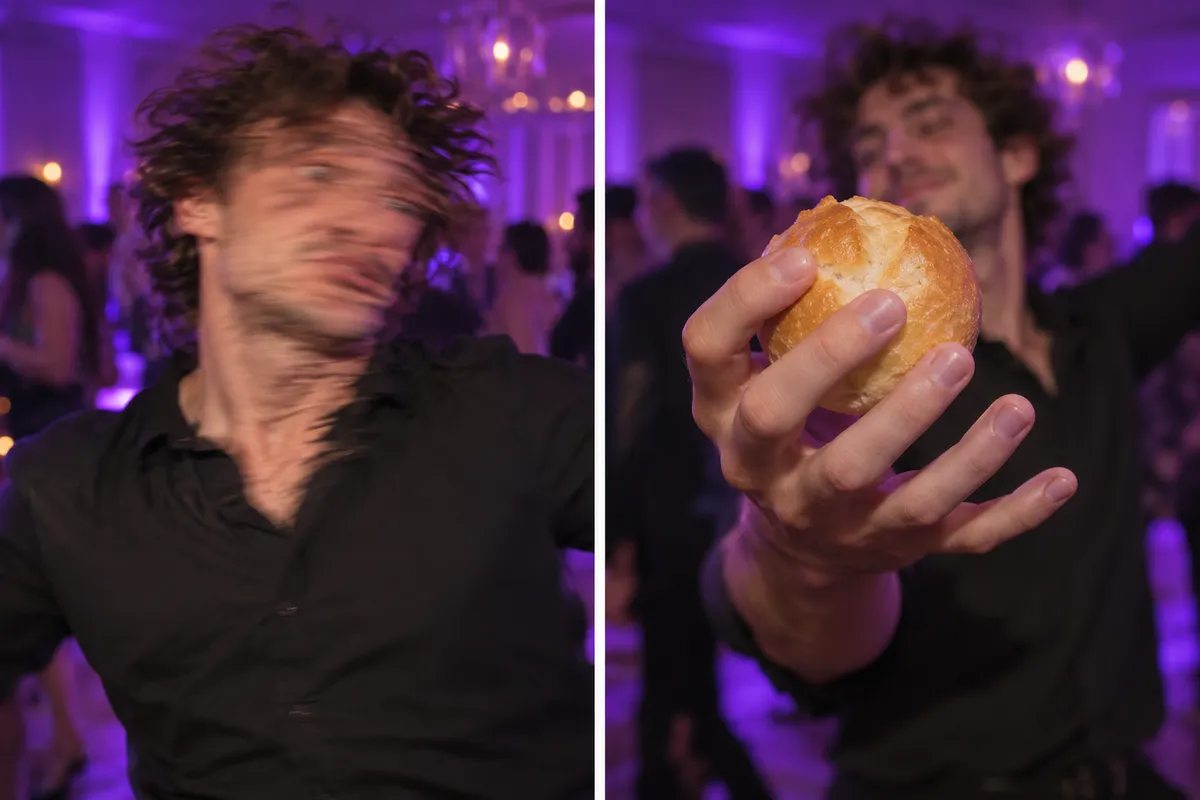
Plenty of people don’t want a tool; they want someone to make the video for them. You can be that someone: upload a friend’s photo, create the video, and send them the file. There’s no need to send your own photo to strangers who offer to make one in the comments.
Ask first, and only use photos of adults who agreed to appear. Don’t use the effect to impersonate public figures or to make it look like someone did something they didn’t.
No. Each Dime Dime Baby AI video uses credits, and the tool shows the cost before you confirm, so nothing is charged by surprise. There is no free trial. If a video fails, the credits for it go back to your balance.
No. This is an independent, unofficial AI effect inspired by the meme. It isn’t affiliated with the song’s artists, its rights holders, or the person in the original party clip, and your video is generated from your photo, not cut from the original clip.
Use a photo of one person. The scene has one dancer, so a group shot gives the AI too many faces to choose from. Crop the photo down to a single person before you upload it.
Yes. Most people making this trend speak Spanish, so there is a separate Dime Dime Baby IA page written for them. Switch to Español in the language menu at the top of this page.
In History. Finished videos can be previewed and downloaded there, and if a video fails, History shows what happened to its credits.
Content reviewed
Unofficial fan effect. Not affiliated with the song’s artists, its rights holders, the person in the original party clip, or the creator of the embedded TikTok. That TikTok is embedded from TikTok and isn’t hosted here, and neither is the song.
One photo, one stare at the camera. Upload yours and get the clip ready for the sound.
Create your Dime Dime Baby video